
SnapQ helps you create location-based surveys, Quick Quizzes™, and Quick Polls™ for nearby mobile customers.
Learn more
Create, publish, and review SnapQ surveys with package tiers for larger radius, longer duration, PIN access, response quotas, notifications, branding, and integrations.
Place surveys at an address or map location, choose a radius, and let nearby mobile users discover active SnapQs.
Create surveys with single select, multi select, toggles, ratings, sliders, ranking, image upload, NPS, email, phone, and free-form response fields. Consumers can also post Quick Quizzes™ and Quick Polls™ anywhere in the world.
Reward users for filling out SnapQ surveys. Work with us to connect SnapQ points and merchant-specific rewards.
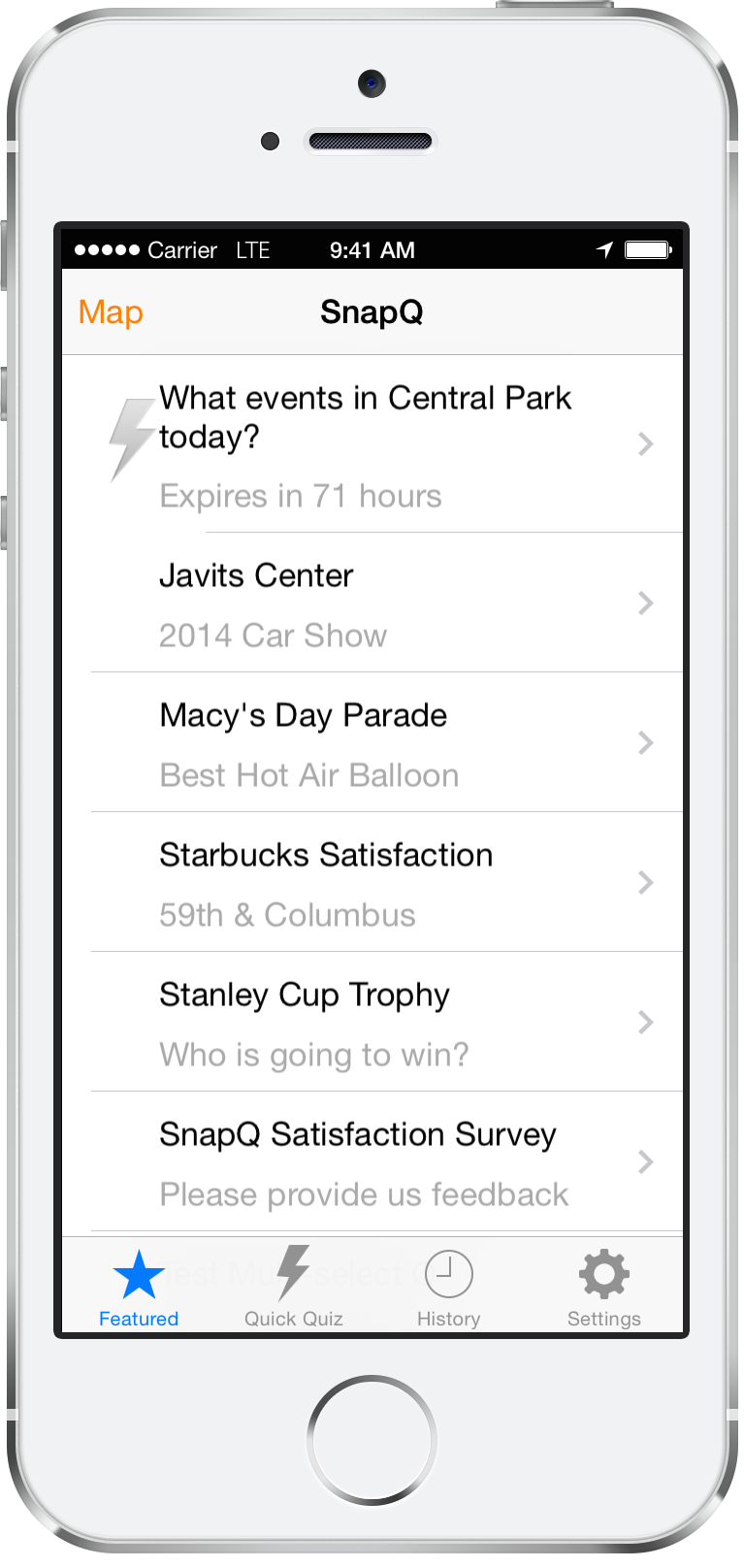
The main page of the SnapQ App shows active nearby SnapQs, including surveys, Quick Quizzes™, Quick Polls™, sign posts, warnings, and billboards.
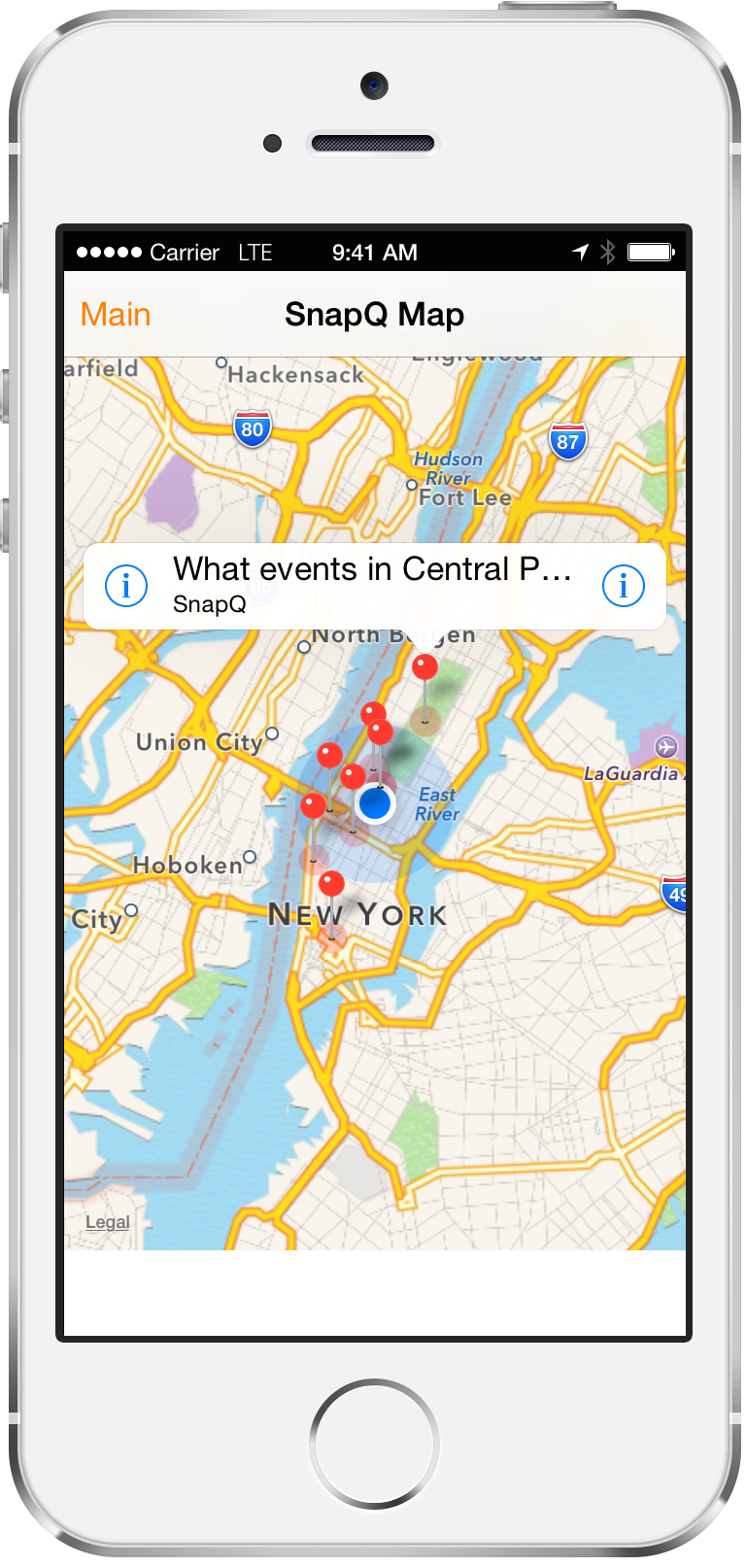
View nearby SnapQs on a map, tap into details, and respond while you are at or near the target location.
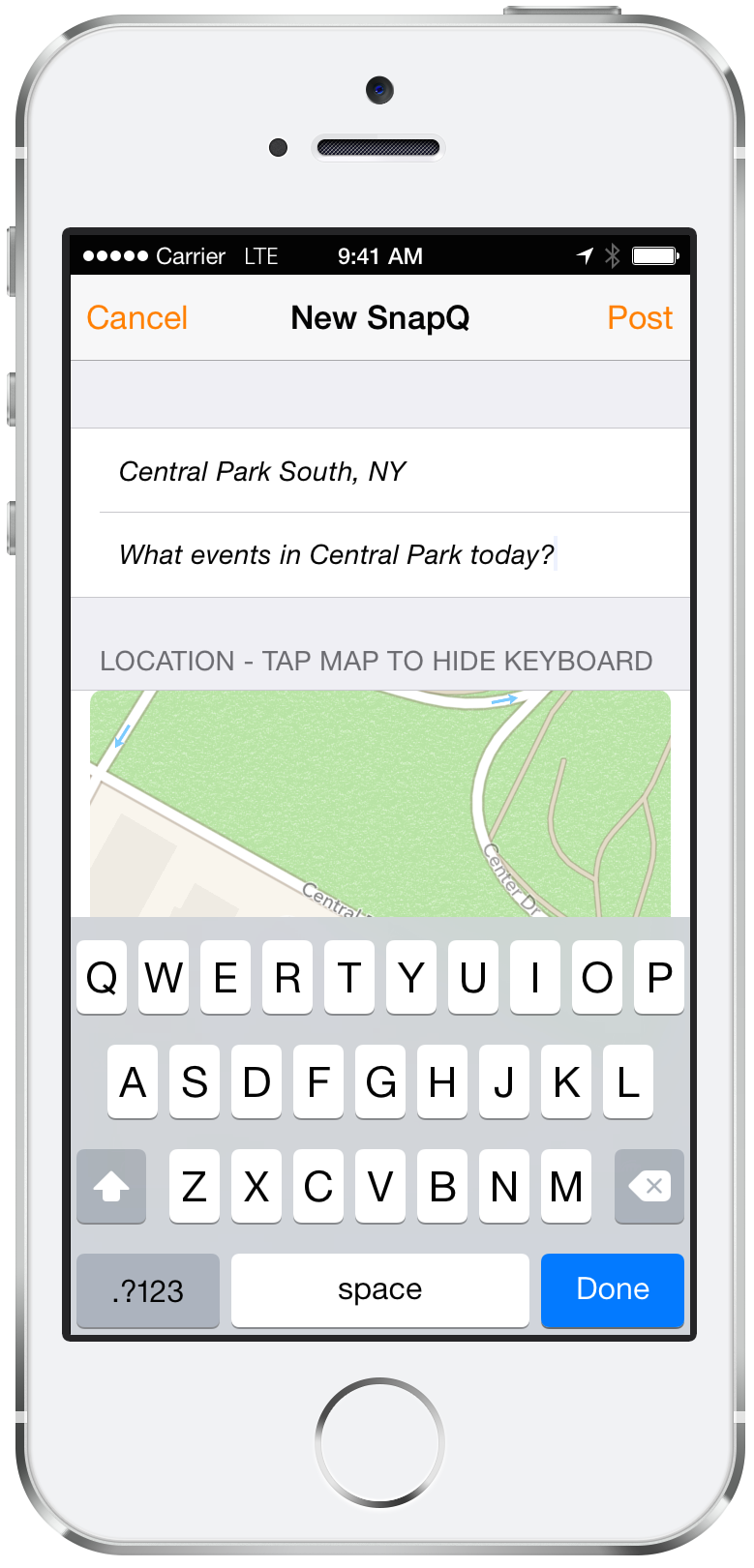
Consumers can create a short open-answer Quick Quiz™ or a preset-answer Quick Poll™, add an optional photo, and pin it to any location around the world.
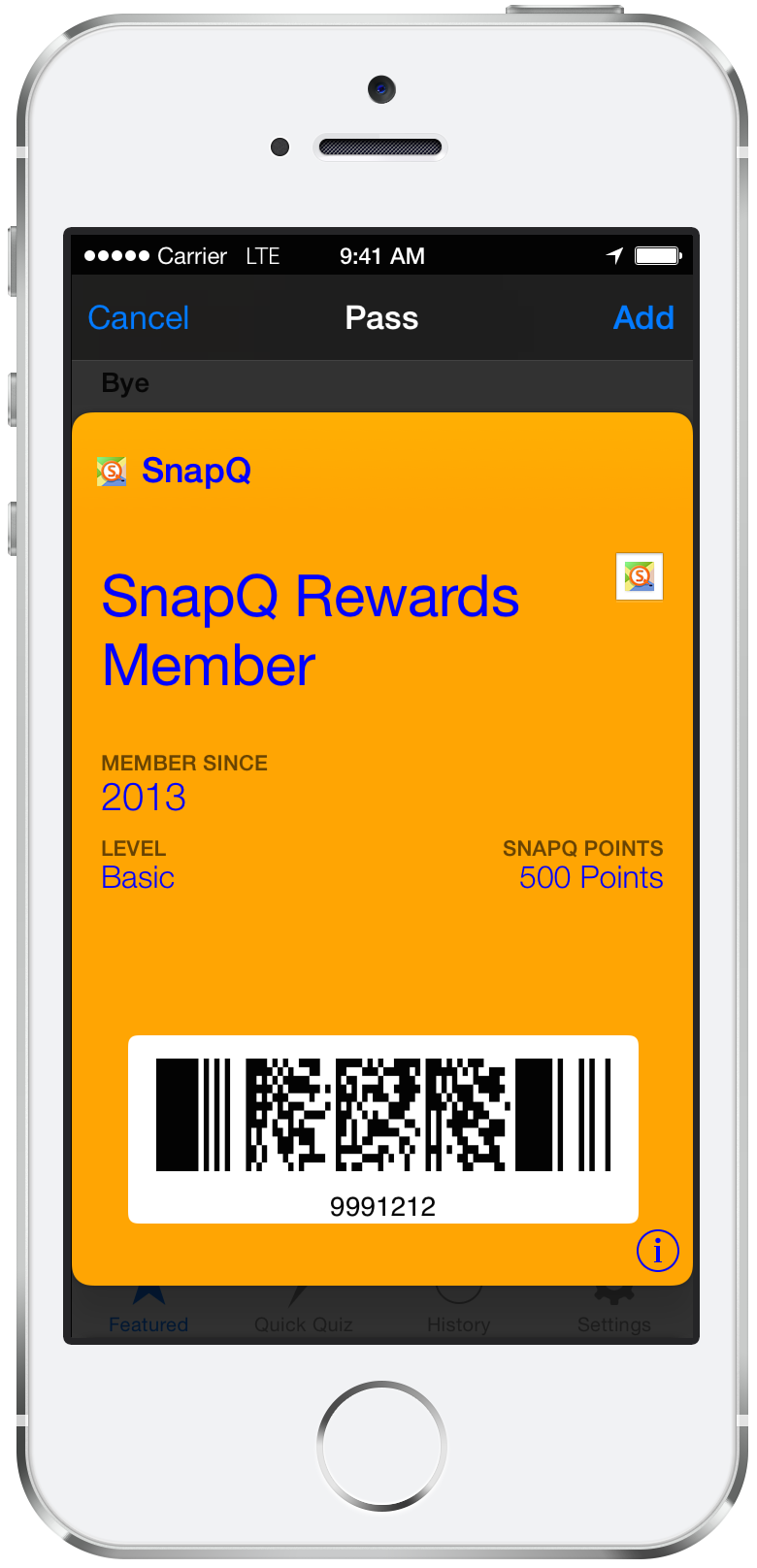
Consumers are rewarded with SnapQ points and merchant specific rewards for their feedback.
Feature |
Free / Basic |
Bronze |
Silver |
Gold |
Diamond / Enterprise |
|---|---|---|---|---|---|
Included in Current Packages |
|||||
Up to 3 surveys per month |
Yes | Yes | Yes | Yes | Yes |
Export survey responses |
Yes | Yes | Yes | Yes | Yes |
Email response notifications |
Yes | Yes | Yes | Yes | Yes |
More than 3 questions |
No | Yes | Yes | Yes | Yes |
Extend expired survey |
No | Yes | Yes | Yes | Yes |
Radius over 500m |
No | No | Yes | Yes | Yes |
More than 7 days duration |
No | No | Yes | Yes | Yes |
Change response quota |
No | No | No | Yes | Yes |
Faster survey notifications |
No | No | No | Yes | Yes |
PIN code access |
No | No | No | Yes | Yes |
In-radius responses only |
No | No | No | Yes | Yes |
Require unique user response |
No | No | No | Yes | Yes |
Diamond / Enterprise Capabilities |
|||||
Map survey logo |
No | No | No | No | Yes |
Branded surveys |
No | No | No | No | Yes |
SDK/API access |
No | No | No | No | Yes |
Loyalty rewards |
No | No | No | No | Yes |
Consumer email access |
No | No | No | No | Yes |
Replicate surveys over 10 locations |
No | No | No | No | Yes |
Package features reflect the current SnapQ backend entitlement matrix. Additional one-time feature purchases may be available inside SnapQ.
What phones does SnapQ work with?
SnapQ currently supports iPhone and iPad through the iOS app. Android support is planned.
Does SnapQ work on Android?
Android support is planned, but the current mobile app experience is iOS-first.
Is SnapQ Free?
Yes. Free / Basic is always available, and paid tiers unlock broader survey capabilities.
What is the range of SnapQ?
By default, surveys can use included radius options up to 500 meters. Larger radius options are available through supported package tiers or feature upgrades.
What are Quick Quizzes™ and Quick Polls™?
Quick Quizzes™ are short open-answer posts. Quick Polls™ use preset answer choices. Both can be pinned from the SnapQ App to a specific location.
How do I create a commercial survey?
Create an account on SnapQ.com, open the web authoring tool, choose your location, survey options, questions, package features, and publish when ready.
How do I view the results?
Return to SnapQ.com, sign in, open your survey history or results dashboard, and review responses, charts, exports, photos, and response summaries.
What kind of survey questions are supported?
SnapQ currently supports single select, multi select, yes/no toggle, star rating, least-to-best slider, ranking, image upload, Net Promoter Score, email address, phone number, and free-form text questions.
Can I view Quick Quiz™ and Quick Poll™ results online?
Quick Quiz™ and Quick Poll™ responses appear in the app flow, and survey owners can review regular survey results on SnapQ.com.
How do I set up my SnapQ App?
Install the iOS app, allow location access, and launch SnapQ. Nearby surveys and posts appear when they are available around your current location.
Can I send SnapQ feedback?
Yes. Visit SnapQ Feedback to submit ideas and vote on requested features.
How do I tell my friends?
Share SnapQ.com with friends or invite participants to a specific survey when you publish one.
When will my credit card be charged?
Paid packages and paid feature upgrades require a payment method. Free / Basic remains available, and package changes are managed from the Package Tier page.
Does SnapQ work internationally?
Yes! Any address or location can be used as a target for SnapQ surveys. Examples: street address, zipcode/postcode, city name, etc.
Do my SnapQ surveys expire?
Yes. Standard surveys default to an included expiry window, and longer durations are available through supported package tiers or feature upgrades.

The consumer-ready mobile client App is available for iPhone and iPad. Android support is planned. Download now!
 SnapQ
SnapQ